Ingredients with a regulator record in Ingre's sources. Open each one to read the source.
Food · beauty · personal care
It reads the label.Not the barcode.
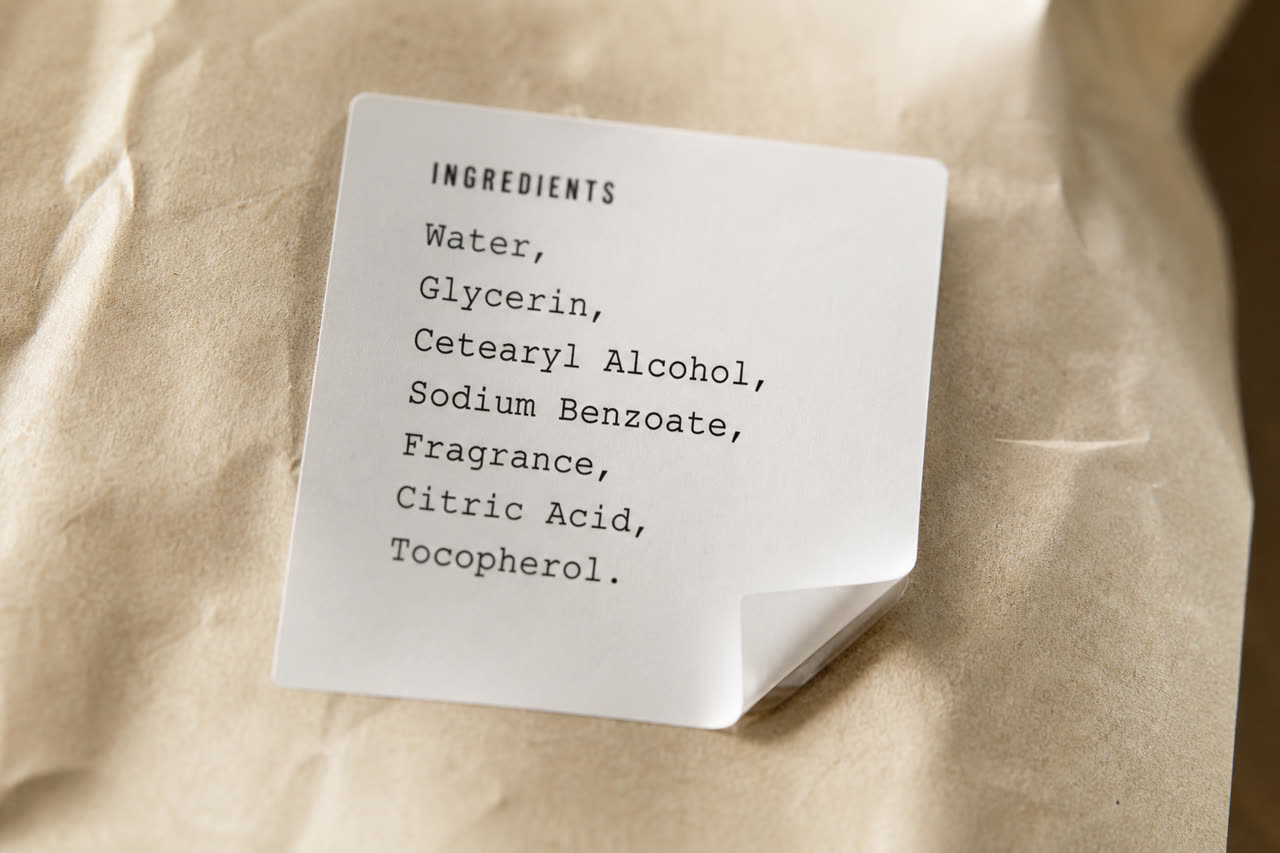
Ingre photographs the printed ingredient list. If the words are on the package, it can read them, including products no catalog has listed yet.
Get Ingre
Android and iOS. A few scans free.
- FragranceOpen it to read the sourceRegulatory note
- Sodium benzoateOpen it to read the sourceRegulatory note
- GlycerinNo regulator record in Ingre's sourcesNo notes found
Point the camera at the ingredients, not the barcode.
Why Ingre
Catalogs miss the product in your hand.
A barcode lookup only works for products already in a catalog. Ingre needs no barcode: take a photo of the ingredient list.
Ingre starts with the label. It reads the printed ingredients on food, beauty, and personal care, the same list you would read under the store lights.
How it works
Three steps in the aisle.
01
Photograph the ingredients
Open the camera on the printed list. The words on the package, not the barcode.
02
Read the regulatory notes
Ingre matches each name to published regulatory sources and shows what regulators have published about it.
03
Open the source
Notes point to the sources they came from, so you can read them yourself.
Regulatory status
Notes from regulators.
Each note shows what a regulator published about an ingredient, with a source you can open. Ingre does not rate products.
No regulator record found in Ingre's sources for the ingredients read. Check the label and the manufacturer.
No listed ingredient was confirmed in this read. That does not mean there are no regulatory notes: the on-device read can miss ingredients.
What stays on the phone
Your photos stay with you.
Label photos remain on the phone unless you choose an optional extra-help feature. A few free scans to start. Notes link to their sources, so you do not have to take our word for it.
Food, beauty, personal care
One reader for the packages that already print an ingredient list.
Sources you can open
Notes link to the published regulatory sources they came from.
A few scans free
Try it in the aisle before you decide if it belongs on your phone.
Take the label with you.
Point the camera at the printed ingredient list, read the regulatory notes, and open the source each one came from. Food, beauty, and personal care, on Android and iOS.
Get Ingre
Android and iOS. A few scans free.
ingre.ai
Ingre reports what regulators have published about food, beauty and personal care ingredients. It does not rate products or give medical advice. Rules differ by country and change over time. Always read the label and ask a doctor about allergies or health conditions. Questions: support@ingre.ai.